Sharp Photocopier Error Codes
Sharp Photocopier Error Codes
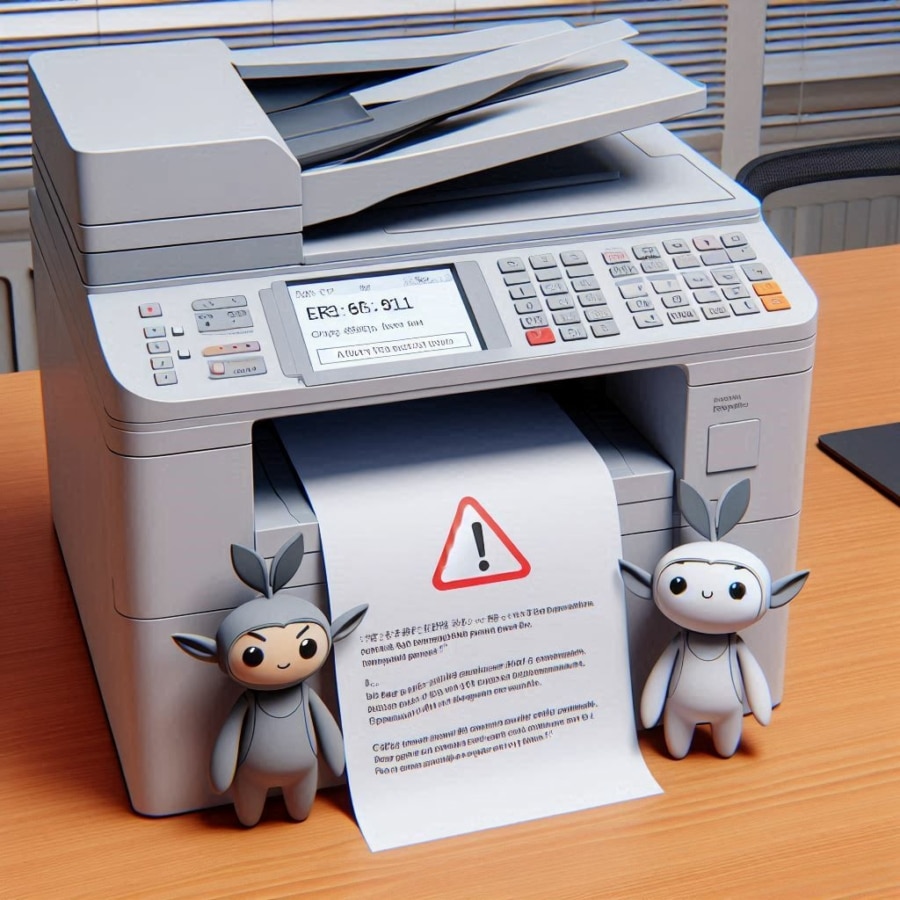
Sharp photocopiers use error codes to diagnose various technical issues. These codes cover malfunctions such as fuser overheating (H4-00), paper jams (P1-00 to P3-05), and network communication errors (CE-00). Understanding these codes makes it possible to resolve problems quickly and keep the device in good working order. For persistent errors, we recommend consulting the user manual or contacting a qualified technical service. Below is a more comprehensive list of Sharp photocopier error codes, covering a wider range of possible problems:
Fuser unit error codes
- H2-00 to H2-03: Fuser temperature too low.
- H3-00 to H3-04: Fuser temperature too high.
- H4-00 to H4-06: Fuser overheating issue.
- H5-00: Fuser temperature detection error.
Drum and development unit error codes
- C4-00 to C4-31: Various issues with the development unit, including rotation errors and toner problems.
Transfer unit error codes
- L1-00 to L1-24: Scanning motor errors.
- L3-00 to L3-10: Secondary scanning motor errors.
- L4-00 to L4-35: Laser lock issues.
Paper error codes
- P1-00 to P1-11: Paper jam at the input.
- P2-00 to P2-12: Paper jam in the transport path.
- P3-00 to P3-05: Paper jam at the output.
Scanner error codes
- E7-00 to E7-22: Sensor and communication errors with the scanner.
Communication and network error codes
- CE-00 to CE-05: Communication errors with the PC and the network.
Memory and sensor error codes
- U2-00 to U2-04: Memory errors.
- U2-10 to U2-12: Memory battery issues.
- F2-00 to F2-40: Toner sensor and toner level errors.
Other miscellaneous error codes
- F6-00 to F6-02: Card reader issues.
- L6-10 to L6-12: Scanning motor errors.
- F7-00 to F7-03: Temperature sensor issues.
Solutions and troubleshooting steps
- Restart: Switch the photocopier off and on again to clear temporary errors.
- Physical check: Make sure all doors are properly closed and that the toner cartridges and paper trays are correctly installed.
- Cleaning: Check and clean the paper sensors and paper paths to remove any debris or jammed paper.
- Consult the manual: Refer to the user manual for instructions specific to your Sharp photocopier model.
- Technical service: Contact technical service or a qualified professional if the errors persist or if you are unsure how to proceed.
Each error code may have specific solutions depending on your Sharp photocopier model, so it is always advisable to refer to the manufacturer’s documentation for detailed information.
Need a new printer? [Discover our rental offers]

Find the best deal for your professional copier, free of charge and as quickly as possible.
I want a quote