Triumph Adler Photocopier Error Codes
Triumph Adler Photocopier Error Codes
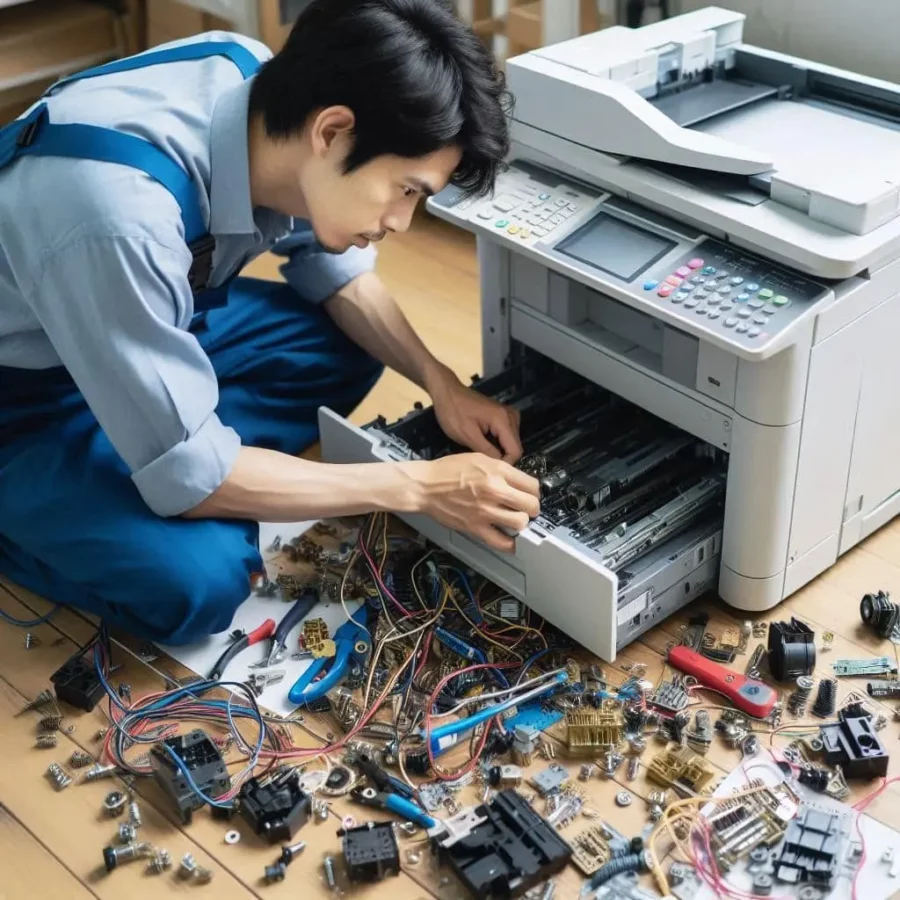
Triumph Adler photocopier error codes are essential tools for quickly identifying and resolving the technical problems encountered by these devices. These codes signal a variety of malfunctions, such as paper jams in different compartments (indicated by codes starting with “J”), errors relating to toner and the drum (represented by codes starting with “C” or “M”), network connection issues (“N”), scanning and printing errors (“S” and “P”), internal system errors (“E”), warnings concerning the ink tank (“I”), and other general errors (“U”). Each error code provides precise indications about the nature of the problem, allowing users to take the necessary steps to quickly resolve the malfunction. For in-depth assistance, users can refer to the user manual specific to their Triumph Adler photocopier model or contact the company’s technical support.

Paper Errors
- J00: Paper jam at the feed tray.
- J01: Paper jam in the paper path.
- J02: Paper jam at the fusing module.
- J03: Paper jam at the output tray.
- J04: Paper jam in the automatic document feeder (ADF).
Toner and Drum Errors
- C7100: Toner cartridge empty.
- C7101: Toner cartridge not installed.
- C7102: Incorrect toner cartridge.
- C7200: Drum unit near end of life.
- C7201: Drum unit to be replaced.
- C7202: Incorrect drum unit.
Maintenance Errors
- M0100: Fusing unit to be replaced.
- M0101: Transfer unit to be replaced.
- M0102: Belt unit to be replaced.
- M0200: Maintenance kit required.
Connection and Network Errors
- N01: Network connection error.
- N02: Network connection lost.
- N03: Network configuration error.
- N04: IP address error.
Scanning and Printing Errors
- S01: Issue with the scanner.
- S02: Scanner not initialised.
- S03: Communication error with the scanner.
- P01: Printing issue.
- P02: Communication error with the printer.
Internal and System Errors
- E000: Unknown error.
- E001: Memory error.
- E002: Motherboard error.
- E003: Firmware update error.
- E004: Control system error.
Ink Tank Errors
- I0100: Waste ink tank full.
- I0101: Low ink level.
- I0102: Ink tank empty.
Other Errors
- U0100: Sensor error.
- U0101: Motor error.
- U0102: Device error.
For an effective resolution of these errors, it is recommended to consult the user manual for your specific Triumph-Adler photocopier model or to visit the Triumph-Adler support website. The manuals provide detailed descriptions and troubleshooting steps for each error code.
Whether you wish to buy or rent your colour A4 or A3 multifunction photocopier, discover our solutions tailored to your needs by clicking here

Find the best deal for your professional copier, free of charge and as quickly as possible.
I want a quote