How to scan a document easily?
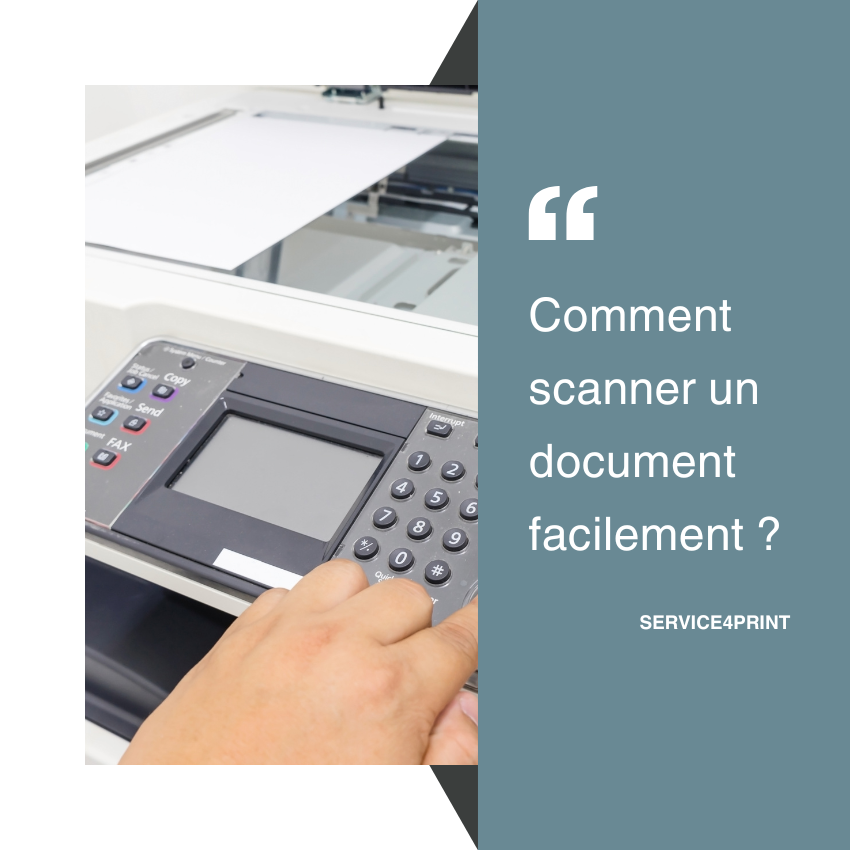
How to scan a document?
In the professional world as well as in everyday life, the question “How do I scan a document?” comes up often. Whether it is to send an administrative file, share an invoice or archive your important papers, knowing how to scan a document has become essential.
Scanning or digitising: what’s the difference?
We often use the terms scan a document, digitise a document or digitalise a document. In practice, they all refer to the same action: turning a paper document into an electronic file (PDF, JPEG, PNG, etc.). This makes it easy to keep, share or edit a document.
How to scan a document from a photocopier or a multifunction printer
The most common solution is to use a multifunction photocopier. Here are the typical steps:
-
Place the document on the scanner glass or in the automatic feeder.
-
Select the “Scan” function on the device screen.
-
Choose the desired format (PDF or image).
-
Set the destination: USB stick, email, network folder or connected computer.
-
Start the operation: within a few seconds, your document is digitised and ready to be used.
How to scan a document with a smartphone
Today, it is also possible to scan a document without a physical scanner, thanks to mobile apps (Adobe Scan, Microsoft Lens, Google Drive, Notes on iOS, etc.).
-
Open the app and use the camera.
-
Frame the sheet correctly: the app often adjusts the edges automatically.
-
Save the file in PDF or image format.
It is a convenient method for digitising a document on the move.
Tips for high-quality scanning
-
Clean your scanner glass to avoid marks.
-
Opt for a resolution of 300 dpi for clear reading.
-
Prefer the PDF format for multipage documents.
-
Use text recognition (OCR) if you want to search or edit the content after digitising a document.
Why digitise your documents?
Scanning a document is not only useful for sending it by email. It is also a way to:
-
Reduce paper storage and save space.
-
Improve the security and traceability of your files.
-
Facilitate collaborative work thanks to digital sharing.
👉 In short, knowing how to scan or digitise a document is now essential for all businesses as well as for individuals. Whether you use a multifunction photocopier, a mobile app or a dedicated scanner, document digitisation simplifies management and speeds up your exchanges.

Find the best deal for your professional copier, free of charge and as quickly as possible.
I want a quote